
Customizations
Customize is where the desktop stops looking like a default install. Adjust the visual side of Windows and the small interaction details that decide how quickly you can get to the things you open most.
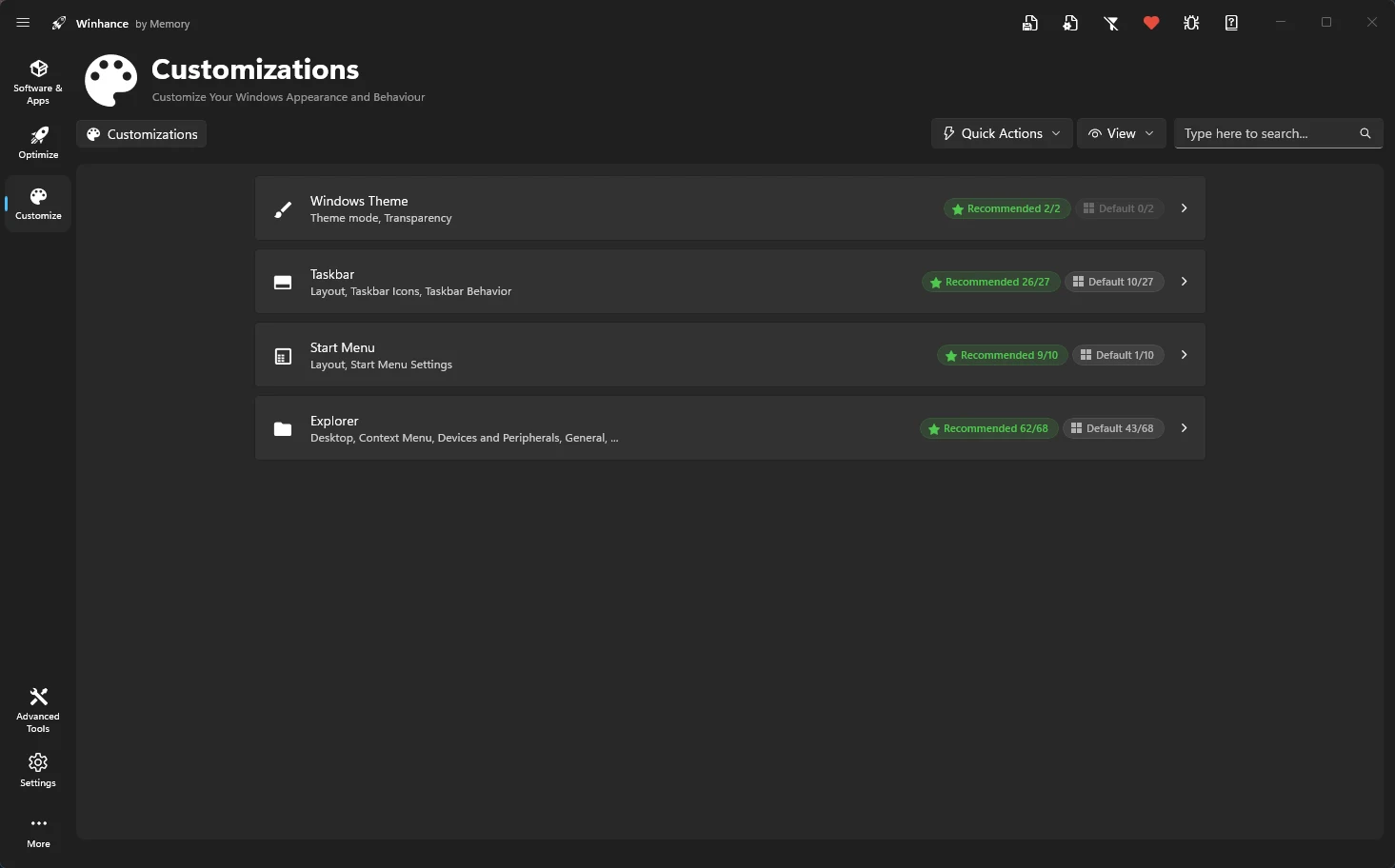
Windows Theme
Switch between light and dark modes, manage transparency, and set matching wallpapers.
Taskbar
Adjust alignment, transparency, and add 'End Task' functionality.
Start Menu
Remove bloatware pins and disable recommended items.
File Explorer
Restore classic menus, show file extensions, and gain ownership of files.
ℹ️ Visual Effects
Winhance also provides quick toggles for individual visual effects like window shadows, menu animations, and font smoothing to improve responsiveness.